Free WordPress Plugin
Aludra: a page builder made of real blocks
32 native blocks and 42 patterns for everything between the header and the footer. It works in the editor you already have, with any block theme, and leaves no broken shortcodes behind if you switch it off.
A page builder that is not a second editor
Most page builders put their own editing app on top of WordPress. The pages they make are stored in their own markup, so the day the plugin goes, the content turns into a wall of broken tags.
Aludra works the other way. Every section is made of native blocks, built and edited in the block editor. A theme gives you the palette, the type, the header and the footer. Aludra gives you the bands a page is made of: heroes, stat rails, trust bars, feature grids, pricing tiers, comparison tables, FAQs, reviews, contact sections and CTA bands.
What you get
21 section patterns
One page band each, grouped into Heroes, Proof, Features and Services, Layout and Convert. Pick a hero that already has its eyebrow, heading and buttons, drop it in and replace the copy.
8 page layouts
Homepage, landing, service, services overview, pricing, about, team and contact. They are offered when you create a new page, so you delete what you do not need instead of starting empty.
32 blocks
Grouped in the inserter in the order a page gets built. Each one can be switched off under Settings, Aludra, so the inserter only shows what a site uses.
Mega menu
A dropdown or overlay panel inside the core Navigation block, with keyboard navigation and focus management. Eight ready layouts for menu template parts.
Carousel
Slides are ordinary blocks, so anything can go in one. Five pre-configured carousels cover heroes, portfolios, product galleries, teams and testimonials.
Any theme
Blocks take their colors from the active theme’s palette, with fallbacks, so they render correctly on block themes and classic themes alike.
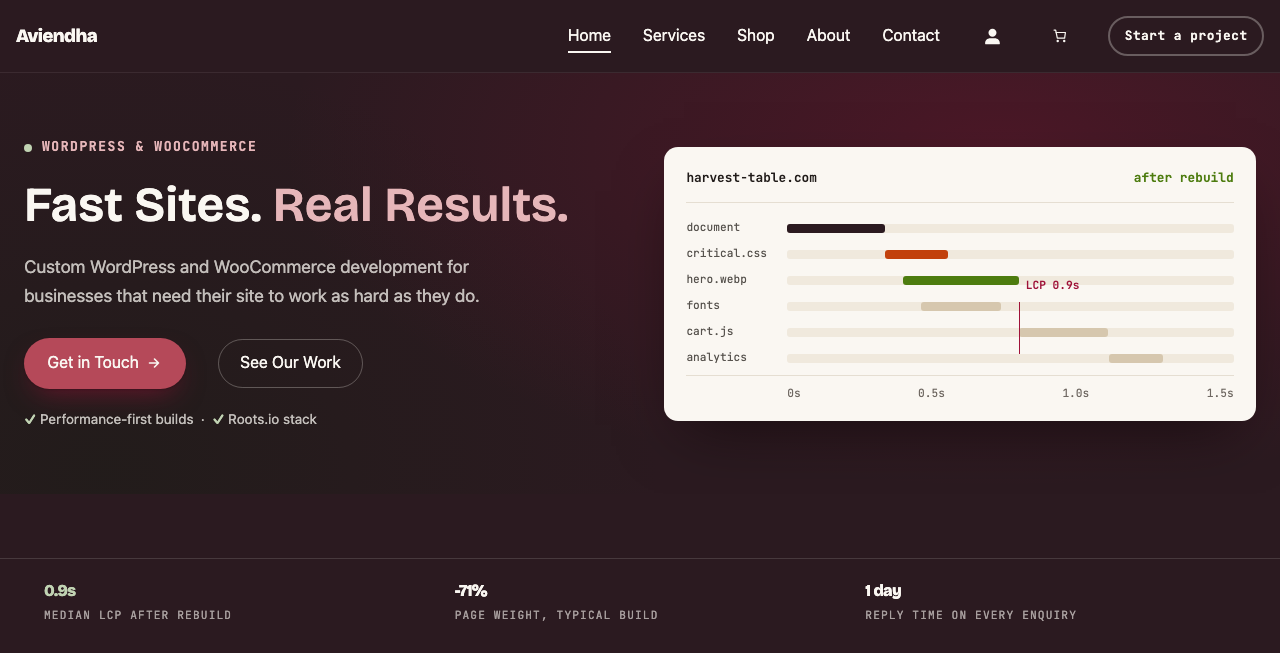
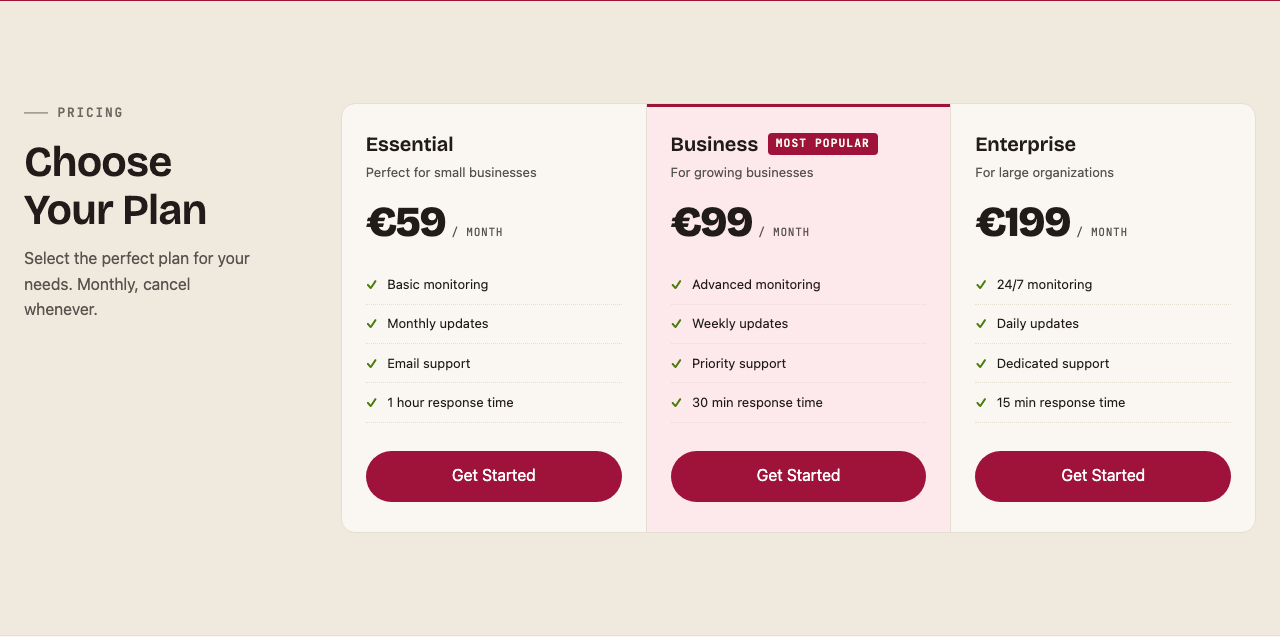
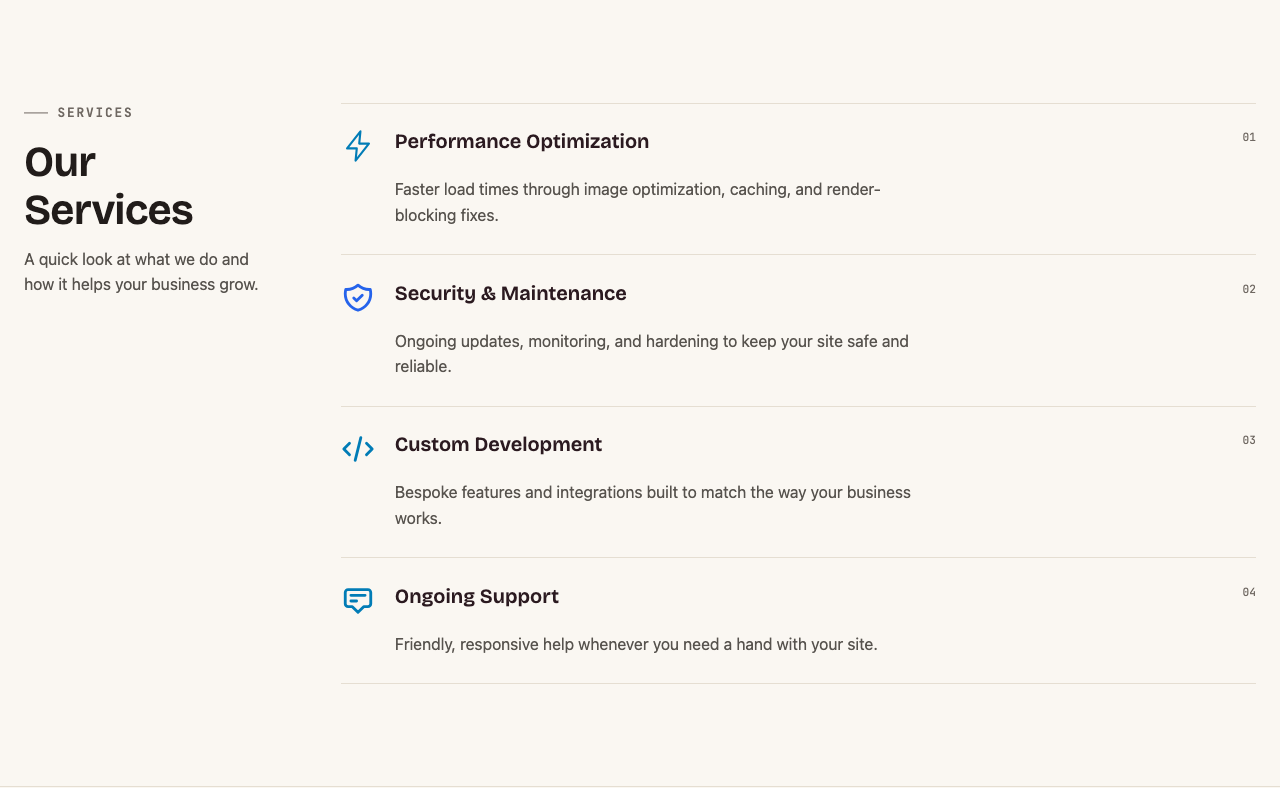
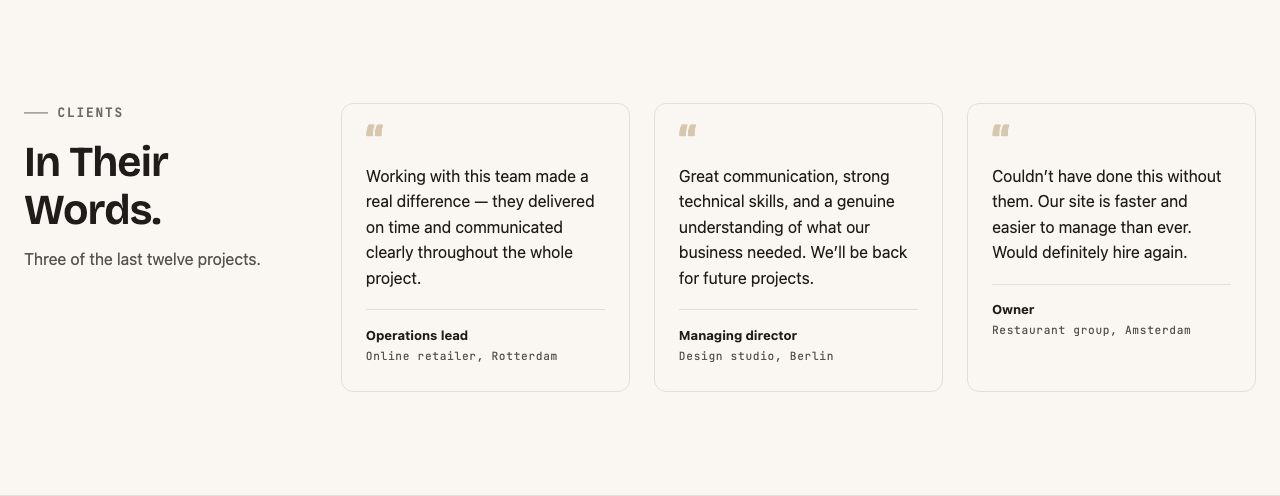
What the sections look like
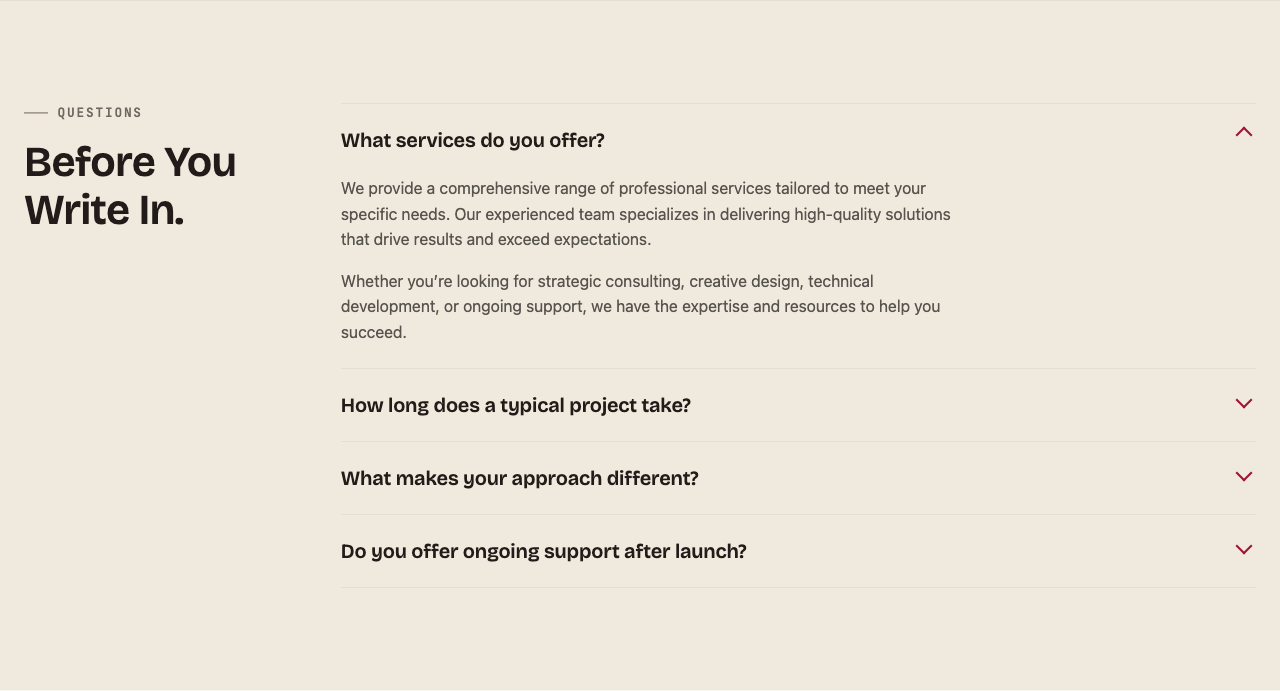
Five Aludra sections on the Aviendha theme, with the sample copy they ship with. On another theme they take that theme’s colors and fonts.
The themes built around it
Aludra is theme-neutral, but two Imagewize themes are designed to it. Neither is required.
- Aviendha: a starter block theme that ships no patterns of its own and builds its pages from Aludra sections.
- Ixian: forked from Aviendha, with finished page patterns for service businesses and SaaS, each one built from Aludra blocks.
Client sites are built the same way: a theme for the brand, Aludra sections for the pages, and an approved mockup before any building starts.
Two ways to use Aludra
Use it yourself
Free, GPL v3
What you get
The plugin from WordPress.org, installed from your own Plugins screen, with updates through WordPress.
Best for
Site owners and developers who want ready sections without a page-builder lock-in.
Have it built for you
Fixed-price quote, from €299
What you get
Your pages laid out with Aludra sections, in your brand colors and fonts, from a design mockup you approve first.
Best for
Businesses that want a finished site, not a box of parts.
Kickstart builds start from €299, a theme of your own forked from Aviendha from €695, and full custom FSE builds from €2,500. See the full build ladder.
For the developers: requirements and install
Aludra needs WordPress 6.9 or later and PHP 7.4 or later, and is tested up to WordPress 7.1. Install it from Plugins, Add New, or with WP-CLI or Composer:
wp plugin install aludra --activate
composer require imagewize/aludra
Blocks are discovered at runtime: every blocks/*/build/block.json is registered on init, so a new block needs no manual registration. The mega menu uses the WordPress Interactivity API. The only outside request in the plugin is the Instagram Embed block, and it loads nothing until a visitor clicks “Load feed”. Source: github.com/imagewize/aludra.
Frequently asked questions
- Is Aludra free? Yes. Aludra is free on WordPress.org under the GPL v3. There is no pro version and no account to create. Having a site built with it is a paid, fixed-price project.
- Does Aludra work with my theme? Yes. It works with block themes and classic themes. Blocks take their colors from the active theme’s palette, with fallbacks, so they fit the site instead of bringing a look of their own.
- What happens to my pages if I deactivate it? Your content stays in the database as standard block markup, not shortcodes. Sections lose Aludra’s styling and interactive parts, such as the carousel and mega menu, until you turn it back on.
- How is Aludra different from Elementor or Divi? Those are separate editing apps on top of WordPress. Aludra adds blocks and patterns to the block editor WordPress already ships, so there is one editor, one set of styles and no proprietary markup.
- Does Aludra send data anywhere? No. Aludra does not track visitors or contact its authors. The one exception is the optional Instagram Embed block, which loads Instagram only after a visitor clicks to show the feed.
Related
- Aviendha: the starter theme built around Aludra.
- Warder Cookie Consent: the other Imagewize plugin on WordPress.org.
- FSE block theme development: the fixed-price build ladder.
- All Imagewize plugins
Want the pages built for you?
Tell me about the business and the pages you need. You get a fixed-price quote within one business day, and a design mockup to approve before any building starts.